

How to Verify Binance and Crypto Exchanges With a Virtual Number
Crypto exchanges require phone verification during sign-up and for withdrawals. Here's how to use a virtual number to pass SMS checks on Binance and other exchanges.
Most major cryptocurrency exchanges — Binance, Kraken, OKX, Bybit — require phone number verification during account creation and for transaction approvals. If you're privacy-conscious about linking your personal mobile number to a financial account, a virtual number lets you pass the SMS check without that exposure.
Why exchanges require phone verification
Exchanges use SMS-based two-factor authentication (2FA) to:
- Confirm your identity during sign-up
- Authorize large withdrawals
- Confirm login from new devices
Virtual numbers work for the initial sign-up SMS. For ongoing 2FA (withdrawal confirmations), you'll want to switch to an authenticator app (Google Authenticator, Authy) once the account is active — virtual numbers are single-use and won't receive future codes.
Setting up a Binance account
1. Start sign-up
Go to Binance.com and start creating an account. Choose Phone as your verification method.
2. Order a virtual number
Open V-Numbers and search for Binance. Pick a country — supported countries include the US, UK, France, Germany, and most of Asia. Order takes under 10 seconds.
3. Enter and verify
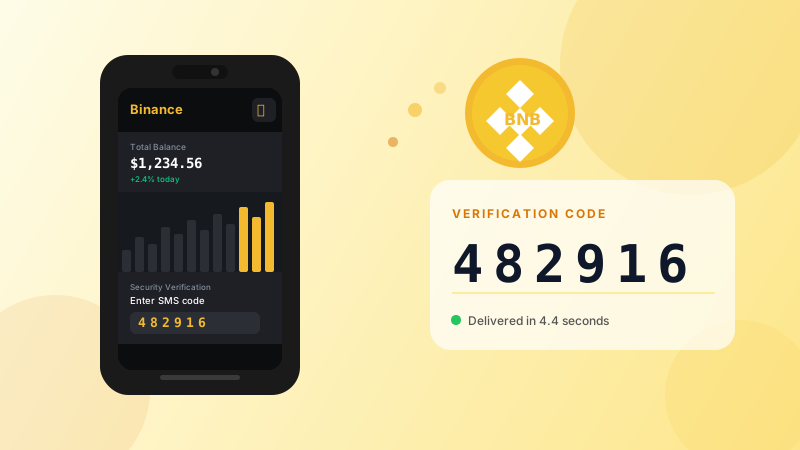
Enter the virtual number in Binance's verification field. Binance sends a 6-digit code — it appears in your V-Numbers dashboard in seconds. Copy and confirm.
4. Enable authenticator 2FA immediately
Once your account is created, go to Security → Two-Factor Authentication and set up Google Authenticator or a hardware key. This makes your account independent of any phone number going forward.
5. Remove or replace the phone number
In Binance's security settings, you can update the phone number linked to your account. Many users swap it for a secondary number or leave it as the original virtual number (which is no longer active, so it can't receive codes — which is fine if your authenticator app handles 2FA).
Other exchanges
The same process works for most major exchanges:
| Exchange | Notes | |----------|-------| | Kraken | Supports phone or TOTP 2FA | | OKX | Phone required at sign-up | | Bybit | SMS used for withdrawal confirmations | | KuCoin | Phone linked during sign-up |
Search for the exchange name in V-Numbers to see availability and pricing.
Important: post-signup security
A virtual number is ideal for the initial sign-up SMS — but do not rely on SMS 2FA for a financial account long-term. SMS-based 2FA is vulnerable to SIM-swap attacks. Set up an authenticator app immediately after sign-up and use it as your primary 2FA method.
Cost
Crypto exchange verifications typically run $0.18–$0.35 depending on country and exchange. No charge if the SMS doesn't arrive.
Try it now
Virtual phone numbers from $0.12. No SMS, no charge.