

How to Create a Gmail Account Without Using Your Real Number
Google requires phone verification for new Gmail accounts. Here's how to use a virtual phone number to pass the check and keep your personal number off Google's systems.
Google asks for a phone number when creating a new Gmail account. They use it for identity verification — but it also becomes permanently tied to your account and can be used to identify you across all Google services. If you'd rather keep your personal number out of Google's hands, a virtual number lets you pass verification without that tradeoff.
Why Google asks for a number
Google uses phone verification to reduce spam account creation. The check happens during sign-up and occasionally when Google detects unusual activity. Passing it once is usually enough to get the account in good standing.
What you need
- A V-Numbers account with a small credit balance
- Gmail's standard sign-up flow (browser or mobile)
How to do it
1. Start Gmail sign-up
Go to accounts.google.com and start creating a new account. Fill in your name and desired email address. You'll hit the phone verification step partway through.
2. Order a virtual number
Open V-Numbers in another tab. Search for Gmail or Google in the services list. Choose a country — the US and UK work reliably for Google verification. Place the order. You'll have a number in under 10 seconds.
3. Enter the number in Google
Back in the Gmail sign-up, enter the virtual number with the country code. Click Next.
4. Copy the code
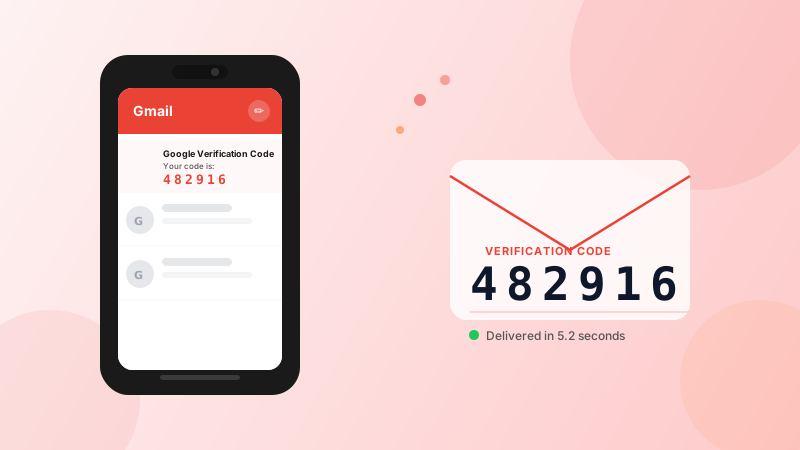
Google sends a 6-digit code by SMS. It shows up automatically in your V-Numbers dashboard. Copy it and paste it into Google.
5. Complete sign-up
Once verified, finish the account setup. Your new Gmail account is ready.
Known issue: "This phone number cannot be used for verification"
Google blocks number ranges that have been used many times before. If you see this message:
- Try a number from a different country (UK → India → Canada)
- Try a different service pool — V-Numbers sources numbers from multiple providers
- In rare cases, older Google accounts (signed in) may show this less frequently
This happens to real SIM cards too — Google applies the same rate limits to prepaid numbers.
Privacy note
A Gmail account verified with a virtual number has no persistent link to your real identity. Google sees a phone number that was assigned to you temporarily, not your personal mobile number. After the number is released (up to 20 minutes), no one else can use it to trigger codes on your account — Google only calls out once per sign-up.
Cost
Gmail verification costs around $0.20–$0.35 depending on country. No charge if the SMS doesn't arrive.
Try it now
Virtual phone numbers from $0.12. No SMS, no charge.