

How to Create a Telegram Account Without a SIM Card
Create a Telegram account using a virtual phone number. No SIM required — get your verification code online in seconds and keep your real number private.
Telegram requires a phone number at sign-up, but you don't need a physical SIM card. A virtual phone number works just as well — and it's faster than waiting for a SMS from your carrier.
Why create a Telegram account without a SIM?
- Anonymity — your personal number never appears in Telegram's database
- Bots and automation — developers building Telegram bots need accounts that aren't tied to personal phones
- Second account — Telegram allows one account per number; a virtual number means a clean second identity
- Traveling — don't want to use your home SIM abroad? A virtual number from any country works
What it costs
Telegram verification is one of the cheapest verifications available. Depending on country, expect to pay between $0.12 and $0.25. You only pay if the SMS is delivered — if it never arrives, you're not charged.
How to do it
1. Get a virtual number
Open V-Numbers and search for Telegram in the services list. Pick any country — Russia, the US, India, and the Philippines all have strong availability. Hit Order and your number appears in under 10 seconds.
2. Open Telegram
Download Telegram if you haven't, or open Telegram Web at web.telegram.org. On the sign-in screen, enter the virtual number including the country code (e.g. +1 for US numbers).
3. Receive the code
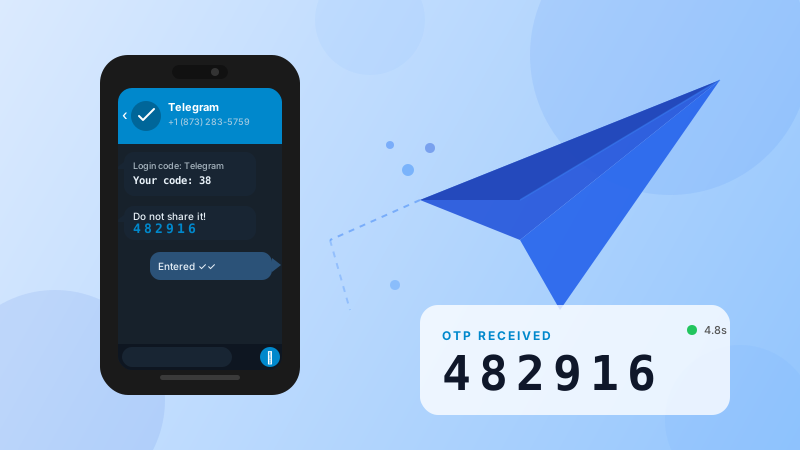
Telegram sends a verification code by SMS. It appears automatically in your V-Numbers dashboard — usually within a few seconds. Copy the 5-digit code.
4. Paste and finish
Enter the code in Telegram. If you're creating a fresh account, you'll be asked for a name. Fill it in and you're done.
Common questions
Will Telegram ban the account? Telegram occasionally flags accounts created from known virtual number ranges and may ask for a re-verification. If that happens, you can order a new number from a different country and re-verify. This is rare for fresh accounts used normally.
Can I use the same number to log back in? No — virtual numbers are single-use. If you're logged out and need to log back in via SMS, you'll need a new number. For this reason it's worth setting up Telegram's two-step verification (Settings → Privacy → Two-Step Verification) right after creating the account so you can recover it with a password instead of SMS.
Which country should I pick? Russia and India have the highest number availability and lowest prices for Telegram. If you need a specific country for some reason (e.g., a local phone prefix), those are available too — just check the price in the dashboard before ordering.
The code expired before I could enter it. Telegram codes are valid for a few minutes. If yours expired, tap "Resend" in Telegram — a new SMS will be sent to the same virtual number while it's still active (numbers stay active for up to 20 minutes).
Using Telegram with the V-Numbers API
If you're creating Telegram accounts programmatically — for a bot fleet, for testing, or for automation — V-Numbers has a REST API that lets you order numbers, poll for codes, and cancel in a few HTTP calls:
# Order a Telegram number in Russia
curl -G "https://v-numbers.com/api/v2/order" \
  -d "key=$VN_KEY" \
  -d "country=ru" \
  -d "service=telegram"

# Poll for the verification code
curl -G "https://v-numbers.com/api/v2/getStatus" \
  -d "key=$VN_KEY" \
  -d "orderId=hold_xxxx"
No SDK required — plain HTTP from any language.
Try it now
Virtual phone numbers from $0.12. No SMS, no charge.