

How to Verify Discord With a Virtual Phone Number
Discord's phone verification unlocks features and removes restrictions on new or flagged accounts. Get past it in seconds using a virtual number — no SIM required.
Discord requires phone verification in two scenarios: when a server requires it to access channels, and when your account has been flagged for unusual activity. In both cases, a virtual phone number gets you through the check instantly.
Why Discord requires phone verification
Server admins can require phone-verified accounts to reduce spam bots and ban evaders. Discord's system also auto-flags accounts that behave unusually and gates them behind a verification screen. One verified number unlocks everything.
What changes after verification
- Access to servers that require phone-verified accounts
- Removal of the "limited account" restriction
- Ability to join more servers (unverified accounts have tighter limits)
- More credibility with server moderators
How to do it
1. Order a virtual number
Log into V-Numbers and search for Discord. Pick a country — US, UK, or German numbers all work well for Discord. Your number is ready in under 10 seconds.
2. Add the number to Discord
In Discord, go to User Settings → My Account and click Add a Phone Number. Enter the virtual number including the country code (+1 for US, +44 for UK, etc.).
3. Enter the verification code
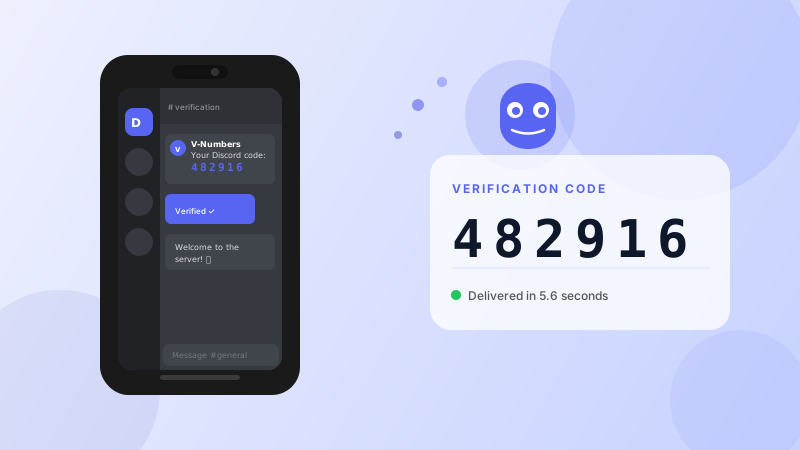
Discord sends a 6-digit SMS code. It appears in your V-Numbers dashboard automatically. Enter it in Discord.
4. Done
Your account is now phone-verified. All restrictions tied to phone verification are lifted immediately.
Using a virtual number for a new Discord account
The process is the same for new account sign-up. During registration, skip the phone step until you're fully set up, then add it through User Settings. Or add it during sign-up if Discord prompts you — either way works.
Frequently asked questions
Can the same number verify multiple accounts? No. Discord ties the number to one account. Each account needs a unique number.
Will Discord try to call me? Discord only uses SMS for verification, not voice calls.
What if the code doesn't arrive? Click "Resend" in Discord. If it still doesn't come within 2 minutes, cancel the order in V-Numbers (no charge) and try a number from a different country.
Can I remove the number after verification? Yes. Once verified, you can remove the phone number from your account settings. The verification status persists.
Cost
Discord verification costs $0.15–$0.22 depending on the country. Only charged if the SMS arrives.
Try it now
Virtual phone numbers from $0.12. No SMS, no charge.