

How to Verify a Facebook Account With a Virtual Phone Number
Facebook asks for phone verification during sign-up and security checks. Use a virtual number to pass the SMS check without giving Meta your real number.
Facebook collects phone numbers and uses them across Meta's ad targeting systems. If you'd prefer not to hand that over — or you're creating an account for a specific purpose — a virtual phone number passes Facebook's verification without linking your real identity.
When Facebook asks for your number
- Sign-up: Facebook may ask for a number as part of new account creation, especially from new devices or IPs
- Security checkpoint: if Facebook flags your account for unusual activity, it forces a phone verification step
- 2FA setup: if you want to enable login approvals, a number is required (though an authenticator app is a better choice)
Step-by-step
1. Order a virtual number
Open V-Numbers and search for Facebook. Choose a country — US, UK, and India are the most reliable for Facebook's SMS delivery. Your number is ready in seconds.
2. Enter it in Facebook
On the phone verification screen, select your country code and enter the virtual number. Click Continue or Send Code.
3. Enter the code
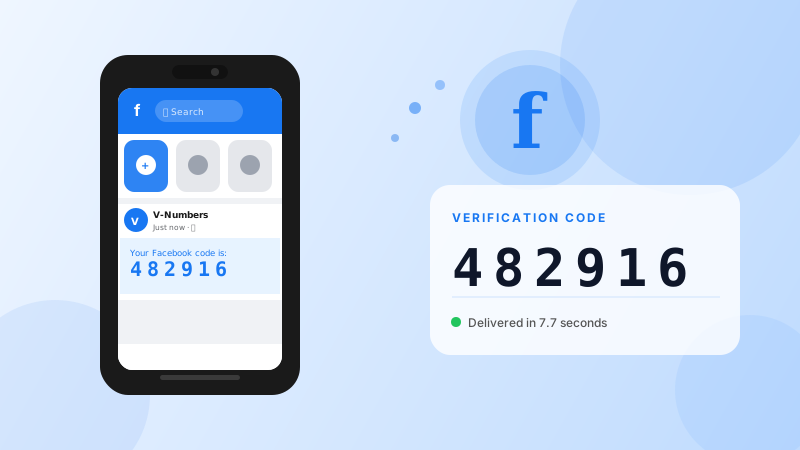
Facebook sends a 6-digit code by SMS. It appears in your V-Numbers dashboard automatically. Copy and enter it in Facebook.
4. Complete setup
Once verified, finish your account setup. Facebook's verification step is behind you.
Tips
Use a fresh email address alongside the virtual number. Facebook's anti-spam systems consider multiple signals — a new email + new device + new number can sometimes trigger additional checkpoints. If that happens, complete the additional identity steps (profile photo, friend suggestions) rather than abandoning the account.
Avoid creating accounts at high volume from the same IP. Facebook tracks device fingerprints and IP reputation. If you're creating accounts for legitimate business purposes, space them out and log in naturally before making them active.
Don't use SMS 2FA for an account you care about. Once the account is active, set up an authenticator app (Facebook supports Google Authenticator and similar) rather than relying on the virtual number for ongoing 2FA — the number is no longer active after the initial verification.
Cost
Facebook verification typically runs $0.15–$0.22 depending on country. You're only charged when the SMS is delivered.
Try it now
Virtual phone numbers from $0.12. No SMS, no charge.