

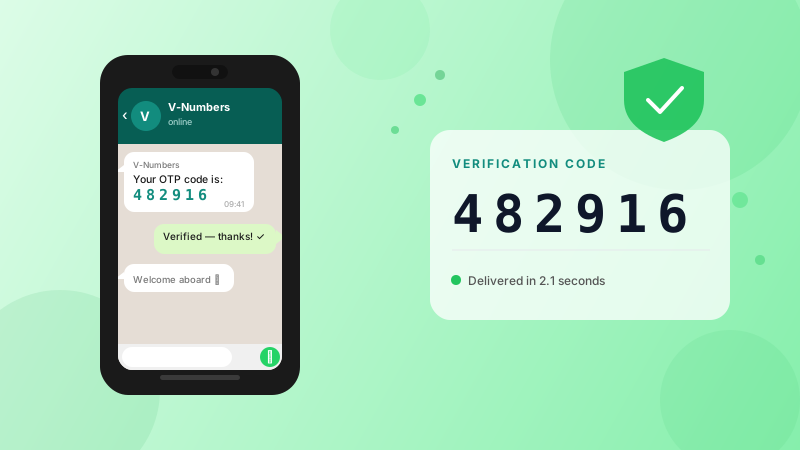
How to Verify WhatsApp Without Your Real Phone Number
A step-by-step guide to creating a WhatsApp account using a virtual phone number. Keep your personal number private and receive the verification code in seconds.
WhatsApp requires a phone number to create an account — but that number doesn't have to be yours. Whether you want to keep your personal number private, create a second account, or automate testing, a virtual phone number gets the job done in under a minute.
Why use a virtual number for WhatsApp?
- Privacy — your real number stays off WhatsApp entirely
- Multiple accounts — WhatsApp ties one account per number; virtual numbers let you run separate accounts
- Testing — developers and QA teams use virtual numbers to test WhatsApp integrations without burning personal SIMs
- Temporary use — need to verify once and never again? A single-use number is cheaper than a second SIM
What you need
- A V-Numbers account (free to sign up)
- A small credit balance (WhatsApp verification costs from $0.18 depending on country)
- The WhatsApp app on your phone or WhatsApp Web
Step-by-step
1. Order a WhatsApp virtual number
Log into your V-Numbers dashboard, select WhatsApp as the service, and choose a country. The US, UK, India, and Russia all have large pools of available numbers. Click Order — you'll have a number within a few seconds.
2. Enter the number in WhatsApp
Open WhatsApp and start the registration flow. When asked for your phone number, enter the virtual number exactly as shown in your dashboard (including the country code).
3. Request the SMS code
In WhatsApp, tap Send SMS (not the voice call option). WhatsApp will send a 6-digit code to the number.
4. Copy your code
Your dashboard auto-refreshes and shows incoming SMS messages. The verification code will appear — usually within 5–10 seconds. Copy it.
5. Complete registration
Paste the code into WhatsApp. Done. Your account is verified and active.
Tips
If the code doesn't arrive within 2 minutes, tap "Resend SMS" in WhatsApp. If it still doesn't arrive within 20 minutes, V-Numbers automatically refunds the number — no charge.
Choosing a country: US and India numbers have the largest supply and lowest prices. If you specifically need a UK or German number, those work too — just at a slightly higher price.
Number reuse: WhatsApp verification numbers are single-use. If you need to re-verify the same WhatsApp account later, you'll need a fresh number.
Frequently asked questions
Is this against WhatsApp's terms? WhatsApp prohibits bulk account creation for spam. Using a virtual number to protect your personal privacy or for legitimate testing is a different matter — it's the same as buying a prepaid SIM.
Will the number still receive messages after verification? No. Virtual numbers are for one-time verification only. After the code is delivered, the number is released.
What if WhatsApp asks for a voice call instead of SMS? Select the SMS option explicitly. If it only offers a call, try a different country — some regions have higher SMS delivery rates than others.
Try it now
Virtual phone numbers from $0.12. No SMS, no charge.