

How to Create Multiple TikTok Accounts With Virtual Phone Numbers
Run separate TikTok accounts for different niches, clients, or personas. Each account needs a unique phone number — virtual numbers make this fast and cheap.
TikTok ties each account to a phone number. If you want to run multiple accounts — for different content niches, client brands, or testing — you need a separate number per account. Virtual phone numbers let you spin up as many as you need without buying additional SIM cards.
Use cases
- Creators running separate niches (fitness, cooking, finance) without cross-contaminating algorithms
- Agencies managing client accounts without using personal numbers
- Developers testing TikTok integrations
- Marketers A/B testing content strategies across fresh accounts
How TikTok uses phone numbers
TikTok uses your phone number as a unique identifier at sign-up. It also uses it for account recovery and occasional re-verification. Each number can only be linked to one active TikTok account.
Step-by-step
1. Get a virtual number per account
Go to V-Numbers, search for TikTok, and pick your country. US and UK numbers are the most reliable for TikTok verification. The number is ready in seconds.
2. Sign up for TikTok
Open TikTok and tap Sign Up. Choose Use phone or email, then Phone. Enter the virtual number with its country code.
3. Enter the verification code
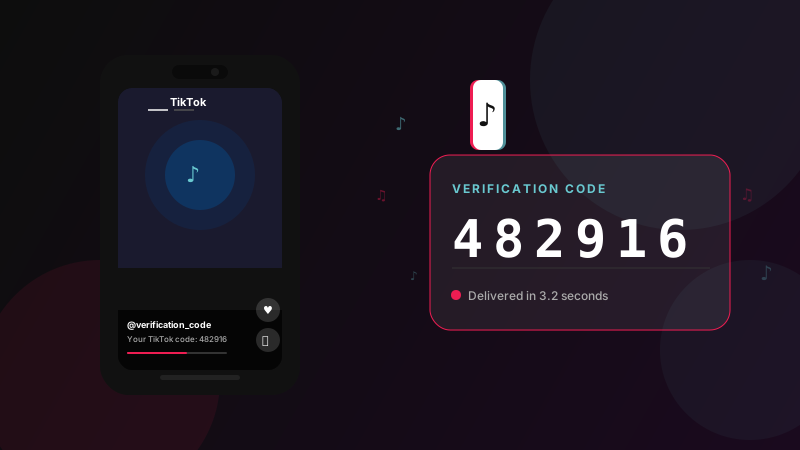
TikTok sends a 6-digit code by SMS. It appears in your V-Numbers dashboard within seconds. Copy it and paste it into TikTok.
4. Complete the profile
Set your username, profile photo, and bio. Your account is live.
5. Repeat for each account
Each additional account needs a fresh virtual number. Order a new one through V-Numbers and repeat the process.
Managing multiple accounts
TikTok's mobile app supports switching between accounts (up to 3 on iOS, up to 5 on Android). For more than that, use separate devices or browser profiles (TikTok web at tiktok.com).
Tips
Warm up new accounts before posting aggressively. Spend a day watching videos and engaging with content before you start publishing. New accounts with no engagement history that immediately post high-frequency content are more likely to be flagged.
Keep account details consistent — use different email addresses and profile photos for each account. Accounts that share profile pictures or bios can be linked by TikTok's systems.
Don't reuse numbers. Virtual numbers are single-use for verification. If you're locked out and TikTok asks to re-verify, order a fresh number — the original is no longer active.
Cost
TikTok verification typically runs $0.15–$0.20 per number. For agencies managing 10+ client accounts, the total cost of number verification is a fraction of the alternative (buying prepaid SIMs).
Try it now
Virtual phone numbers from $0.12. No SMS, no charge.