

How to Verify Uber With a Virtual Phone Number
Uber uses phone numbers as the primary account identifier. Here's how to sign up or create an additional Uber account using a virtual number.
Uber ties your account directly to a phone number — it's the primary login credential, not just a verification step. This means you need a working phone number to sign up, and that number stays linked to the account permanently. A virtual number handles this cleanly.
Why use a virtual number for Uber
- Privacy: Uber shares your first name and phone number format with drivers. Using a virtual number keeps your real number off the platform.
- Multiple accounts: need a separate account for work and personal use, or for driving and riding? Each needs a unique number.
- New market testing: developers and operators testing Uber integrations in different regions can create accounts with local numbers without buying SIMs.
How to sign up
1. Order a virtual number
Open V-Numbers and search for Uber. Pick the country that matches where you'll be using Uber — Uber's pricing and service areas are tied to the account's registered country.
2. Enter the number in Uber
On Uber's sign-up screen, enter the virtual number with the country code. Tap Next.
3. Enter the SMS code
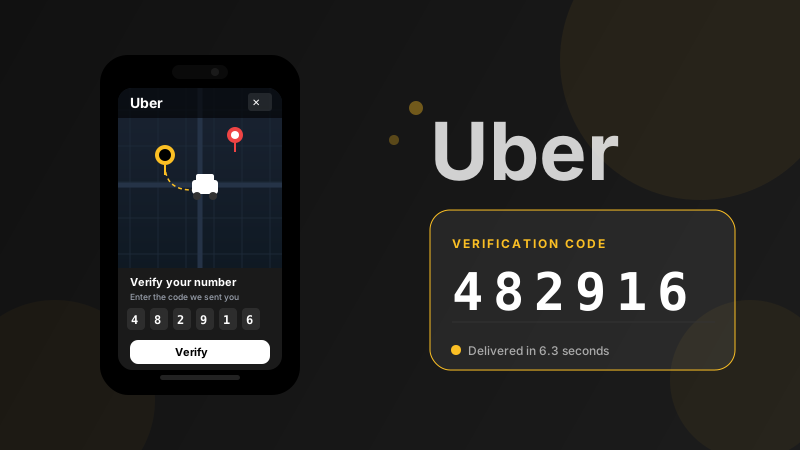
Uber sends a 4 or 6-digit code. It appears in your V-Numbers dashboard within a few seconds. Copy and enter it.
4. Complete registration
Set up your name, email, and payment method. Your Uber account is active.
Important: Uber uses the number for ongoing auth
Unlike some apps where the phone number is just used once for verification, Uber uses yours as the login credential on new devices. If you get a new phone or log in from a new device, Uber will text a code to the original number.
Since virtual numbers are temporary, you'll want to either:
- Add a backup email login in Uber's app settings immediately after sign-up
- Link a payment method and keep the account active — Uber sometimes allows email-based recovery for established accounts
Countries with best availability
US numbers work for US Uber accounts. If you're creating an account for a non-US region, pick the matching country in V-Numbers — pricing and service areas are region-specific.
Cost
Uber verification runs $0.18–$0.28 depending on country. No charge if the SMS doesn't arrive within 20 minutes.
Try it now
Virtual phone numbers from $0.12. No SMS, no charge.