

How to Verify Instagram Without Your Real Phone Number
Create or recover an Instagram account using a virtual phone number. Keep your personal number private and get the SMS code in seconds.
Instagram requires phone verification for new accounts and for suspicious logins. If you don't want to hand over your personal number — or you're managing multiple accounts — a virtual number does the job in under a minute.
When Instagram asks for phone verification
Instagram prompts for a phone number in three situations:
- New account creation — during sign-up, after email is confirmed
- Suspicious login detection — if you log in from a new device or IP
- Account recovery — if you've lost access and need to reset credentials
All three cases accept virtual numbers just as well as real ones.
Step-by-step
1. Get a virtual number
Open V-Numbers and search for Instagram in the services list. Pick a country — the US, UK, and India have large availability and low prices. The number appears in your dashboard in seconds.
2. Enter it in Instagram
When Instagram shows the phone verification screen, enter the virtual number including the country code. Tap Send SMS.
3. Grab the code
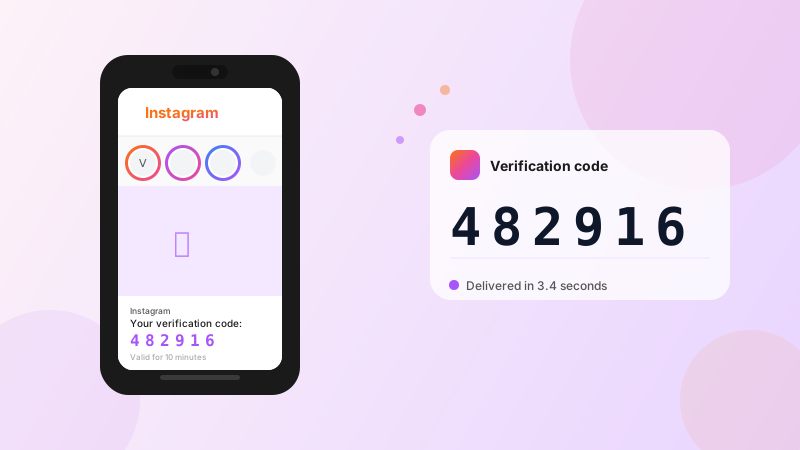
The 6-digit code appears in your V-Numbers dashboard automatically — usually within 5 seconds. Copy it.
4. Confirm
Paste the code into Instagram. Verification complete.
Multiple accounts
Instagram's terms technically limit users to one account, but managing separate accounts for business, personal use, or clients is common practice. A fresh virtual number means a fresh account with no link to your other profiles or your personal phone.
Tips
If Instagram shows "we can't send a code to this number", try a number from a different country. Instagram occasionally blocklists number ranges that have been heavily used. Switching from a US to a UK or Indian number usually resolves it.
For account recovery, Instagram may ask you to verify via phone OR email. Phone works faster.
Suspicious login loop: if Instagram keeps prompting for phone verification on every login, it's flagging your IP or device. A VPN combined with a verified phone number usually breaks the cycle.
Cost
Instagram verification typically costs $0.15–$0.25 depending on country. You're only charged when the SMS is delivered — if it never arrives, the credit is automatically returned.
Try it now
Virtual phone numbers from $0.12. No SMS, no charge.